 |
 |
 |
| The PC-AR10 has all the tools you need to create and present professional looking projects easily and clearly. Follow these four steps to make your presentations a success with the PC-AR10. |
 |
Make your presentations come alive with full-motion video. The PC-AR10 lets you import video from a digital camcorder with easy plug-and-play convenience with its IEEE 1394 port.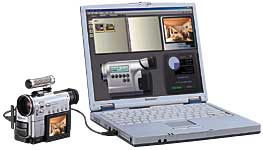 |
 |
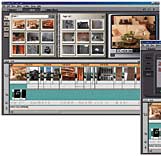
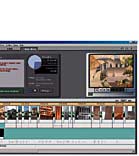
The award-winning StudioDV program, bundled with the PC-AR10, includes all the titles, transitions, and sound effects to put the finishing touch on your presentation.
|
 |
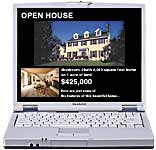
Use your favorite presentation software to compile your edited video clips and text. The PC-AR10's large 14.1-inch screen, with its clear display, is ideal for small group presentations.
|
 |
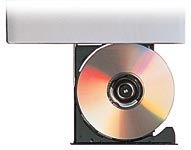
Once you have created your presentation, the PC-AR10, with its built-in CD-RW drive, allows you to make copies of your presentation to give to your clients.
 |
| Applications > Hardware > Specifications |
    |