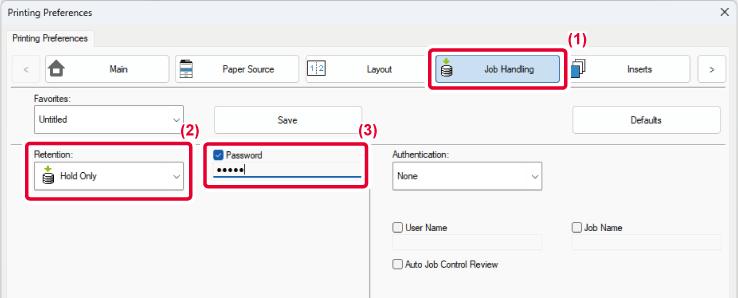
This function stores a print job as a file
on the machine's memory, allowing the job to be printed from the
operation panel when needed. Setting a password (4 to 32 characters,
numbers and symbols) when printing from a computer enhances the
confidentiality of stored data.
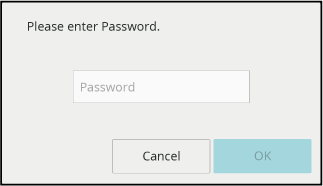
When a password is set, the password must be entered when
printing stored data from the machine.
 appears.
When retention is performed, the touch panel will display
the following.

Tap the data you want to print, and the print settings
screen appears.
[Delete after Printing] deletes the data after printing. Tap
[Change No. of Copies] to change the number of sheets to be printed.
To delete the data without printing, tap
 . After setting, tap the [Start] key.
Version 01a / bp22m31_usr_01a_en

