SHARP

REMOVING MISFEEDS

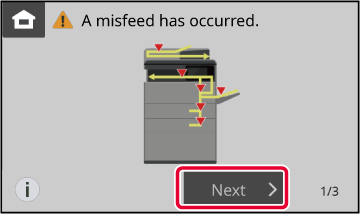
If a paper misfeed occurs, the "Paper Jam" message will appear in the touch panel and printing and scanning will stop.
In this event, tap the [Next] key in the touch panel.
When the key is tapped, instructions for removing the misfeed will appear. Follow the instructions. When the misfeed is cleared, the message will automatically disappear.
Warning
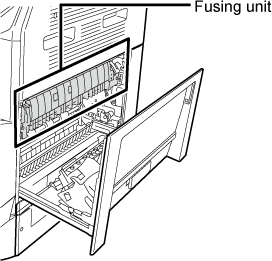
  • The fusing unit and paper output area are hot.
  • When removing a misfeed, do not touch the fusing unit. You may burn yourself.
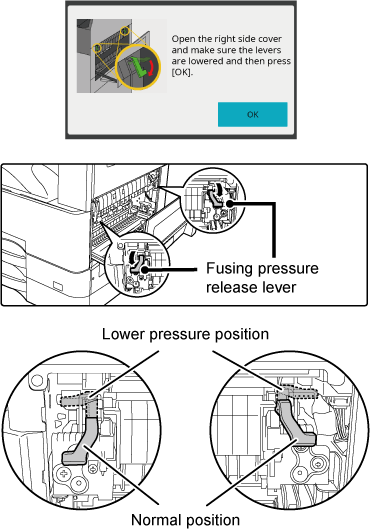
  • When a misfeed in the fusing unit is cleared, the following message appears. If the fusing pressure release lever has not been returned to its normal position, follow the message and return the fusing pressure release lever to its normal position.

Version 01a / bp22m31_usr_01a_en

↑Top of page